Shadcraft
Dec 10, 2025
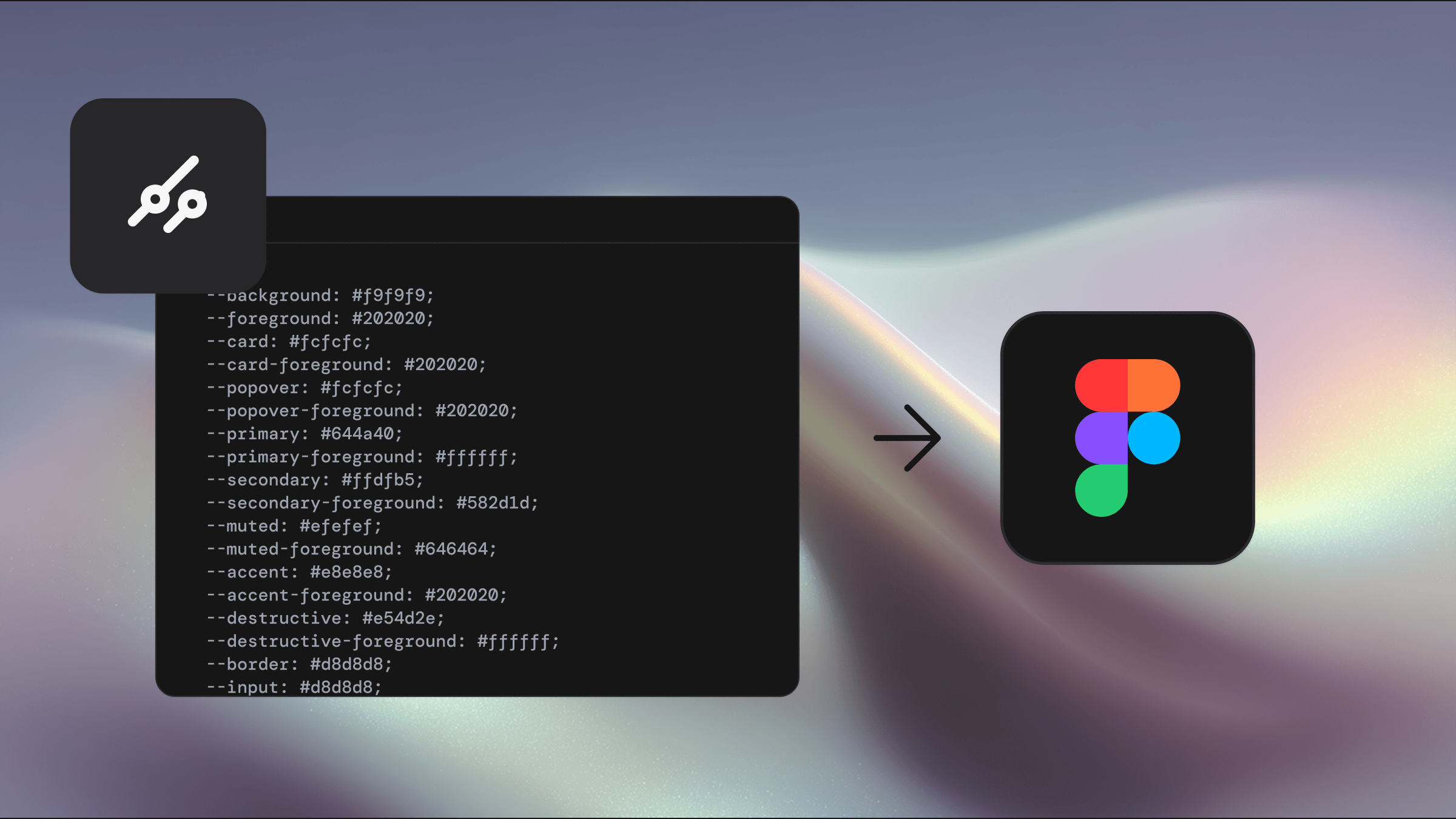
tweakcn changes the workflow completely. It gives you a visual, instant and reliable way to theme your library, and it works across every Shadcraft product. If you are using the Base kit, the Pro kit or even the React kit, tweakcn applies your theme in seconds.
Below is a complete guide to theming with tweakcn, along with the exact workflow used in the Shadcraft kits. You can also embed your demo video here to show the whole process in action.
Why theming matters
Theming controls the emotional feel of your product. Color, radii and tone set expectations long before a user interacts with anything. In shadcn/ui, these decisions flow down through tokens, which means a single theme affects thousands of component states and variations.
When your variables are structured well, you can shift your entire product identity with one change. The Shadcraft kits are built this way. tweakcn is what lets you take advantage of it.
Simple theming with tweakcn
If you want a fast starting point, tweakcn includes nine ready made themes. Applying them to your Shadcraft library takes less than a minute.
Here is the workflow.
Open your Shadcraft Figma library
Make a backup file before theming
Press Command K or click Actions at the bottom of the screen
Open Plugins and widgets
Search for tweakcn
Launch the plugin
Choose one of the built in themes
Wait a few moments while all variables update
Once applied, the entire library updates instantly. Every component, every state and every block uses the new theme without any manual edits. This is the power of a variable driven system.
Custom themes for full brand control
If you want something closer to your brand, tweakcn allows you to create a custom theme visually and import it directly into Figma.
The workflow is just as simple.
Go to the tweakcn website
Create your custom palette
Click Share in the top right
Name your theme and save it
Copy the generated theme URL
Return to your Figma library and open the tweakcn plugin
Click Import
Paste the URL
A few seconds later, your library is fully themed with your own brand colours. No hunting for variables. No manually adjusting light and dark values. Everything updates automatically.
Preview your theme as you work
tweakcn includes a theme preview that gives you a clean snapshot of your theme applied across all common components. This helps you:
check color contrast
compare background and foreground combinations
validate active, hover and disabled states
see your theme at a glance before applying it
Designers can iterate rapidly and engineers get a consistent set of values to work with.
Important notes on variables
Because tweakcn updates variables directly, there are a few rules to keep theming reliable.
Adding new variables is usually safe
Renaming existing variables can break theme mappings
Always keep a backup of your library before applying a theme
Let tweakcn drive the variables instead of overriding them manually
The Shadcraft kits are structured to support tweakcn out of the box, so following these rules keeps everything stable.
The hidden power: theming the Shadcraft React kit
Most people think of tweakcn as a Figma tool, but it is also one of the fastest ways to theme the Shadcraft Pro React shadcn/ui kit.
Because the React kit uses the same token structure as the Figma kits, the values exported from tweakcn can be dropped straight into your project. This updates:
buttons
forms
menus
surfaces
overlays
backgrounds
text tokens
semantic status colors
You get an instantly themed production ready React library without editing dozens of files. This is one of the biggest advantages of the Shadcraft ecosystem. The same theme drives both design and code with zero drift.
Why tweakcn plus Shadcraft is the ideal workflow
Three things make this combination so powerful.
1. Shared token structure
The Figma kits and the React kit use the same semantic variable groups. tweakcn outputs directly into that structure.
2. Instant updates
Once applied, every component in both design and code updates instantly.
3. No manual overrides
You do not need to tweak CSS, update utility classes or rebuild color systems. tweakcn handles everything in one step.
This gives teams a consistent, scalable, predictable way to theme shadcn/ui at any stage of a project.
Final thoughts
Theming should not slow teams down. With tweakcn, you can update your entire design system in seconds, explore creative directions freely and align design with engineering without rework. Paired with the Shadcraft kits, it becomes one of the fastest and most reliable theming workflows available for shadcn/ui.
If you want full creative control across Figma and React with minimal effort, tweakcn plus the Shadcraft ecosystem is the cleanest way to get there.
Updated Dec 10, 2025