Shadcraft
Feb 6, 2026
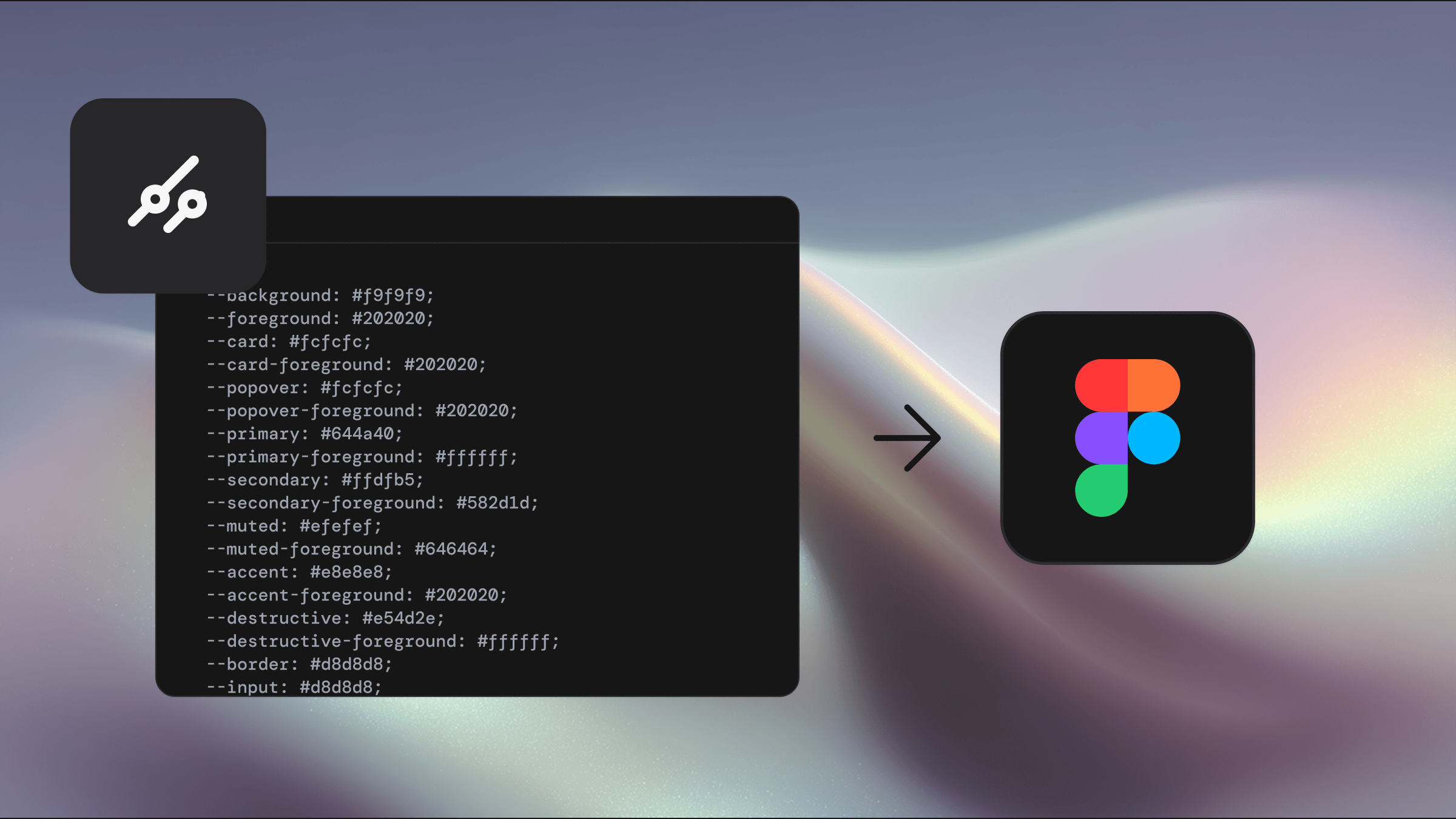
The goal is simple. Make it easy to move themes between Figma and code without rebuilding tokens, redoing work, or guessing whether things still line up.
The plugin works with shadcn themes and is designed to sit directly on top of the Shadcraft variable system.
Import themes from real sources
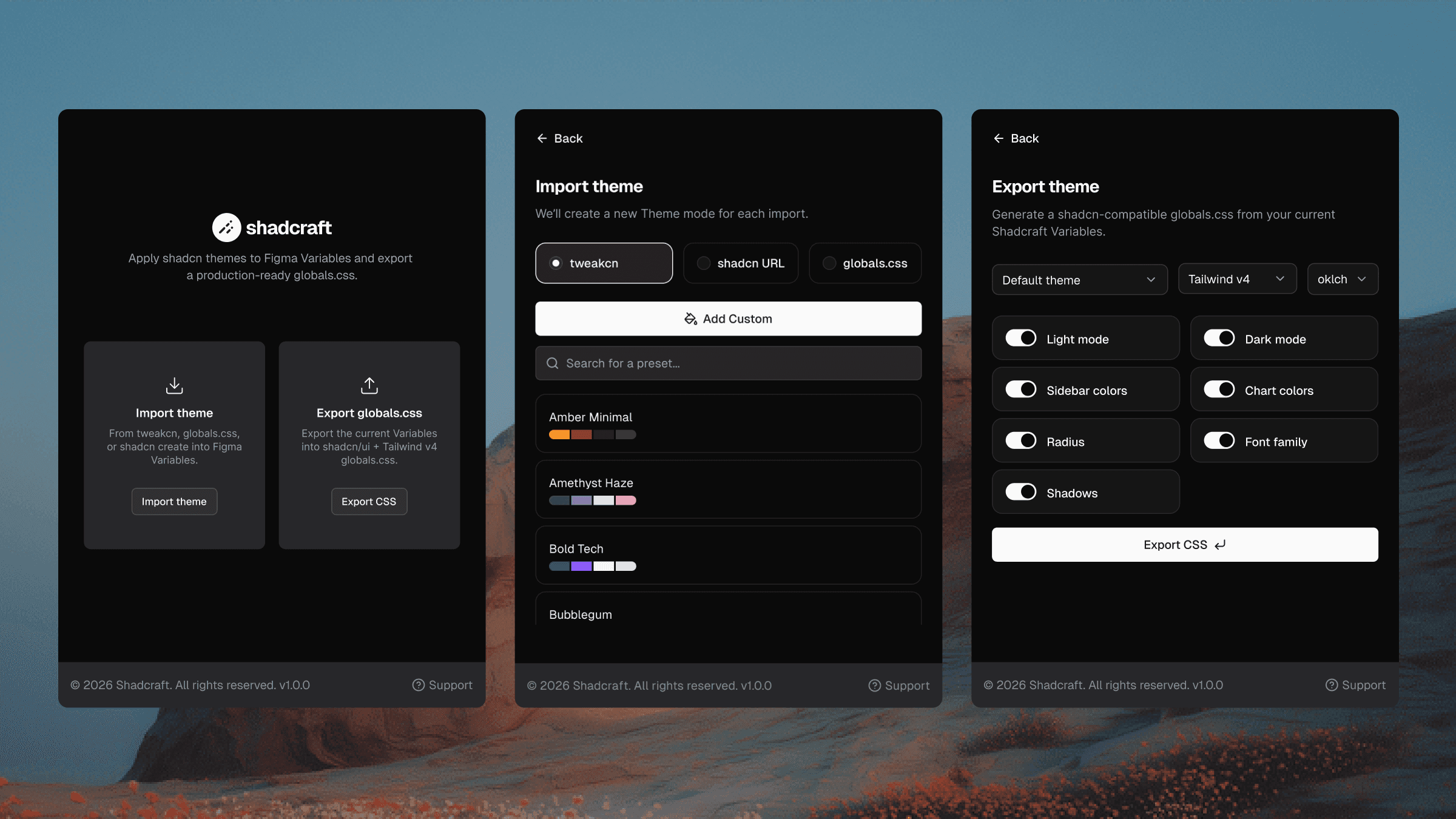
You can now import themes into Figma from:
tweakcn
shadcn Create
Raw CSS
Paste in a URL or CSS, and the plugin maps values directly to Shadcraft variables. Colors, radius, typography, and semantic tokens stay intact.
This means you are working with the same values your app uses, not a visual approximation.
Edit visually, export clean CSS
Once a theme is in Figma, you can adjust it visually using variables and components.
When you are ready, export clean CSS back out. No manual copying. No token drift. No duplicated effort.
Design and code stay in sync by default.
Built for real workflows
The plugin is designed for:
Designers working in Figma who need confidence their work maps to code
Teams using shadcn who want a tighter design to dev loop
Anyone managing multiple brands or light and dark themes
Themes can move both ways without breaking component structure.
Available now
The Shadcraft plugin is available now and free for all Shadcraft customers, including the free kit.
If you are already using Shadcraft, you can start using it today. If not, this is the easiest way to keep your Figma files aligned with how your app is actually built.
Try the plugin, watch the demos, and let us know what you want to see next.
Updated Feb 7, 2026